
Bright Colors and a Random Button
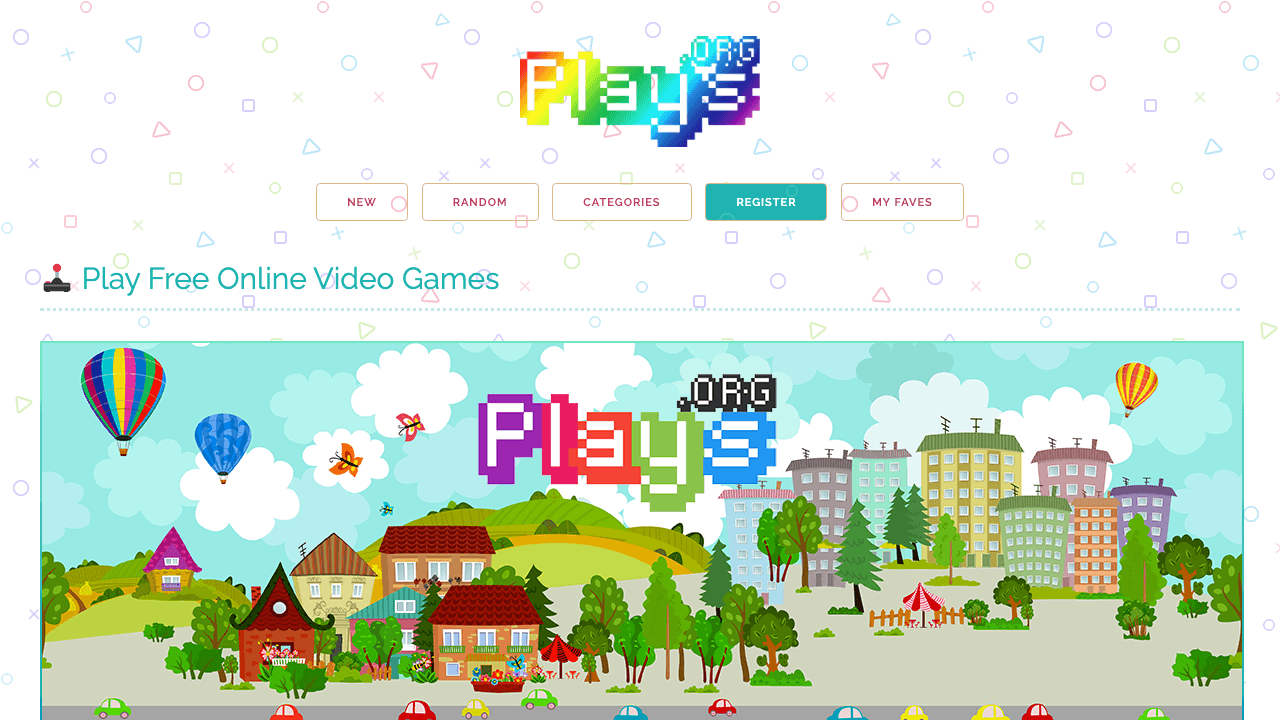
Plays.org greets you with a bright patterned background, a pixel-style logo, and a big hero illustration that sets a cheerful retro tone before you click a single game. Navigation stays deliberately small: new games, random games, categories, registration, and favorites. That Random button matters more than it looks. With a catalog of lightweight HTML5 games and no need to know a title in advance, letting the site pick for you is a legitimate way to browse, and it keeps older games from disappearing into the back pages.
Arcade, Cards, and Other Comfort Genres
The catalog leans nostalgic: retro arcade games inspired by classic play styles, puzzle and logic games sized for short focused sessions, solitaire-style card and tile games, and family-friendly casual picks. Categories cover arcade, puzzle, card, board, racing, educational, and classic formats. The site's identity clearly favors simple, easy-to-understand games over complex multiplayer systems, and there are no public social features to speak of — no forums or comment threads on the homepage.
Low Learning Curves by Design
Most games start instantly in the browser and use simple inputs: mouse, touch, arrow keys, or a small handful of keyboard controls. Because so many titles borrow from classic arcade and puzzle formats, the learning curve is low, and replay value comes from improving scores, clearing levels, or simply hopping to another game. That profile suits break-time sessions, family play, and classroom settings better than long progression grinds.
Favorites and Finding What's New
Registering lets returning players save favorite games, while casual visitors can browse the whole catalog without touching an account. The New tab is the main freshness signal; the site presents recency through catalog browsing rather than a detailed public changelog, so how often games are added is not stated anywhere on the page.