
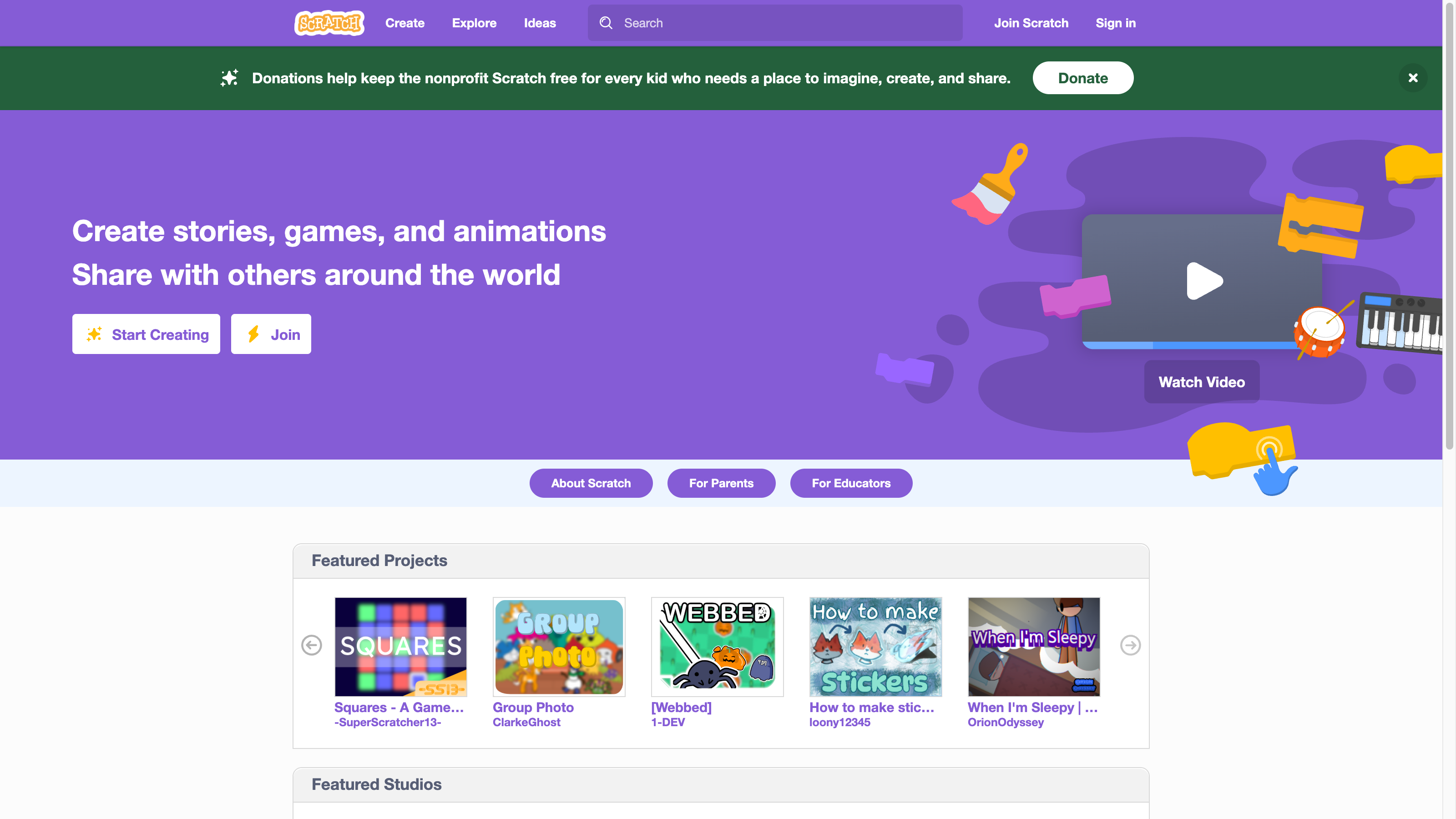
Explore Community Creations
Scratch brings games, interactive stories and animations into a community built around making and sharing projects. The homepage offers featured projects and themed studios, while Explore provides another route into the collection. Examples on the captured homepage include Squares and Webbed alongside artwork and animations, reflecting the range of things people create.
Studios collect projects around a theme, giving visitors a way to browse beyond individual titles. The homepage also links to discussion forums, community guidelines and resources for parents and educators. Scratch may suit players who enjoy discovering small creative projects and learners who want to try making something of their own.
Build With Visual Blocks
Scratch's editor uses coding blocks that drag and snap together. Creators can work with characters, backdrops, sounds and graphics from its library, upload their own assets, or draw new ones. That approach connects browsing projects with experimenting in an editor. The Scratch Foundation also highlights remixing as a way to adapt an existing project.
The Create link opens the editor, and Ideas points beginners toward tutorials and starter projects. Scratch is free and is maintained by the nonprofit Scratch Foundation, whose work supports the platform and its creative learning community. Learn more about Scratch.