
Dropping Into Port Carverton
A Port Carverton banner sits above the Freeskate menu, with a prompt to drop in at University. After loading, skate. 3 — Fan Game puts a skater on a broad concrete platform surrounded by trees and rocky cliffs. The camera follows from behind, and pressing Space gets the character pushing across the surface. It is a playable 3D scene, with room to move and ramps to approach.
The main menu offers Freeskate, World, and Difficulty. During play, the pause menu adds Map, Teleport, Restart, and Tuning Preset options. Those menus give returning skating fans more to investigate than a single start button, although the controller-style prompts take some learning on a keyboard.
Getting Used to the Flick Controls
Easy, Normal, and Hardcore appear in the initial difficulty selector. Normal is highlighted by default. The site's control tips explain that WASD handles steering, Space pushes, and the arrow keys act as the right stick. Pulling back and flicking forward is the suggested ollie motion; sideways flicks introduce flip tricks.
Expect a little practice. In the browser check, pushing worked and the skater could also bail on a ramp. Reaching the scene required several startup and loading screens, so allow time before expecting to skate. This suits players interested in learning the controls and exploring a skating space.
Read the Opening Fan-Game Notice
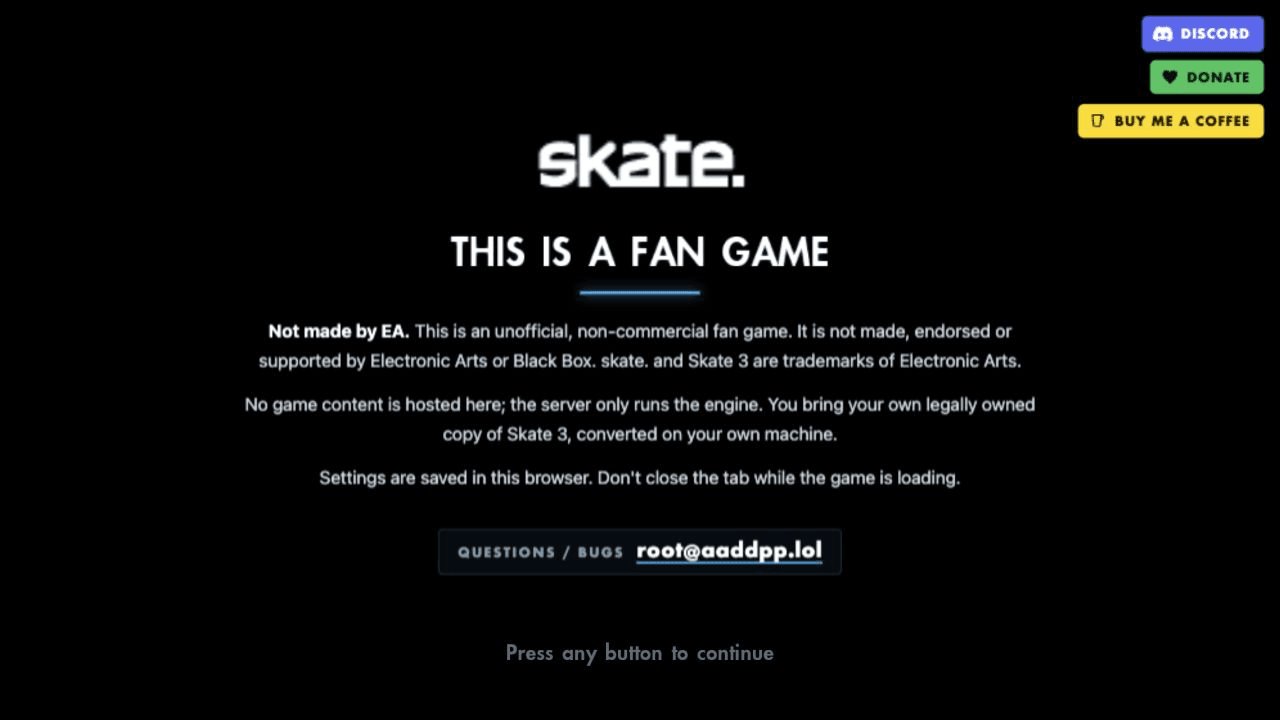
The opening screen identifies the project as unofficial and says it is neither made nor supported by EA or Black Box. It also says players should bring a legally owned copy of Skate 3 converted on their own machine, and describes the server as providing the engine rather than game content.
In this visit, the browser reached Freeskate without a file-selection prompt. That observation does not explain the difference from the notice or establish how every visit will work. Check the site's current instructions before relying on access. The notice also says settings are saved in the browser.
Community Links Around the Play Area
Discord, Donate, and Buy Me a Coffee buttons appear beside the menus and return when play is paused. They disappear during active skating, leaving the scene clear. No signup form or advertising banner interrupted this session.
The site's loading tips describe an Online menu for hosting a session or joining with a friend's code. That feature was not tested with another player. The visible Discord link provides a community entry point, while the opening notice includes a contact for questions and bugs.